
Fred Dispense Plus
Overview
Follow the steps below to create an Own Brand drug in Fred Dispense Plus
Create an own brand drug
- On the Lists menu, select Own Brand Drugs.
- Click
to create a new Own Brand Drug.
Alternatively, if no results were found, click Add New Own Brand. - Enter the relevant information for the drug and then click Save.
- If required, link this own brand drug to an item in Fred Office. See the relevant section below.
Link an own brand drug (Fred Office Plus)
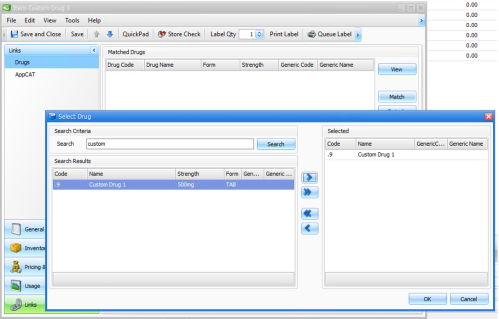
- From Fred Office Plus, open the applicable item card. Go to Links, then select Drugs, then select Match.
- Search for your Own Brand Drug using the description entered into Fred Dispense Plus and click Save to complete the process.
Link an own brand drug (Fred NXT Office)
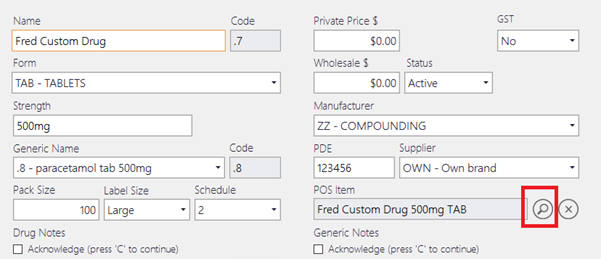
- Click the search button under POS Item for the relevant Own Brand Drug.
- Search and select an item to link the POS product to your Own Brand Drug.
Related links
Drugs in Fred Dispense Plus Online Help