Skip to main content
Place a transaction on hold (Fred POS Plus)
Fred POS Plus
Basic transactions - processing holds
Place a transaction on hold
- Tap Recall/Hold Menu hotkey.
- Tap Hold Sale hotkey.
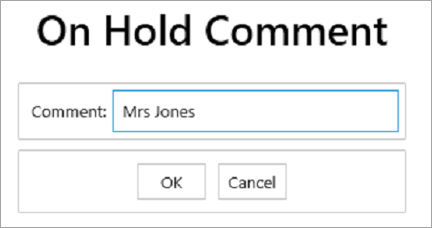
- Add a Comment to help you find the transaction later and tap OK.
Retrieve a sale that has been placed on hold
- Tap Recall/Hold Menu hotkey.
- Tap Recall from Hold hotkey.
- Tap to select and tap Add.
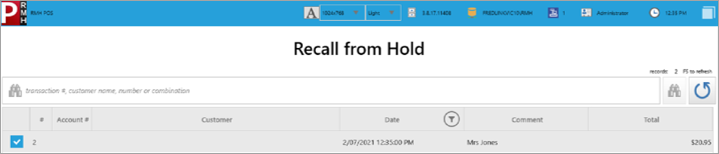
- Items on hold appear on the transaction screen.
- Tender the sale as per regular procedure. See General selling at the till.
