
Fred Dispense
Overview
Reports that are generated in Fred Dispense can be emailed. Some reports are in VPE (Virtual Print Engine) format and require a VPE Report Reader to be viewed when sent via email. VPE Report Readers can be downloaded from the internet.
This feature will only work if the PC uses a 32-bit version of Microsoft Outlook to send and receive emails. If you are not sure whether your version of Outlook is 32-bit or 64-bit, refer to the following external support articles: What version of Outlook do I have? or How do I know if my Outlook program is 32 or 64 bit?
Configure Fred Dispense to send emails
- From the Setup menu, select Email Configuration.
- Enter the From email address, Username, and Password.
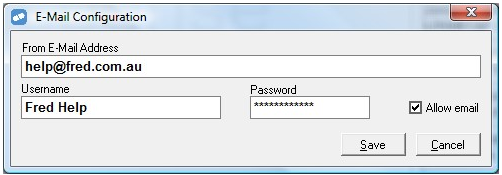
- Click Save.
Email a report
- Generate a report in Fred Dispense.
The report displays on the screen. An email button is visible on the top left.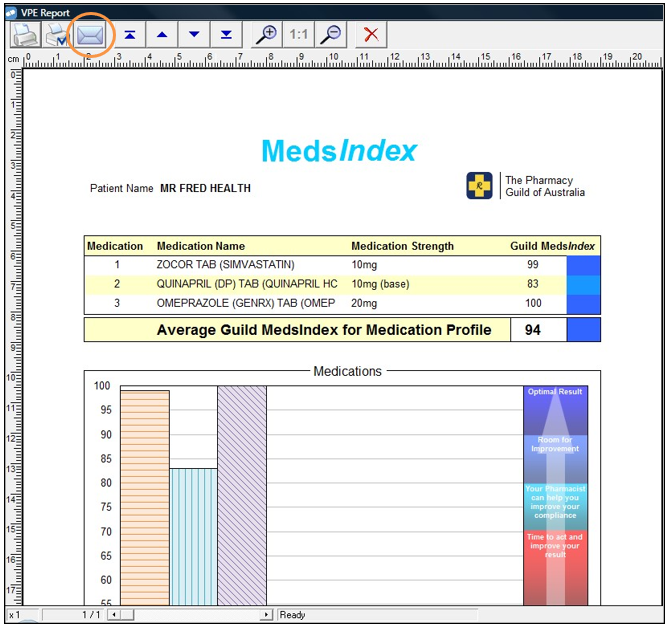
- Enter the email address to send to and press [Enter].

If the following message displays, click Allow to allow Microsoft Outlook to send this email.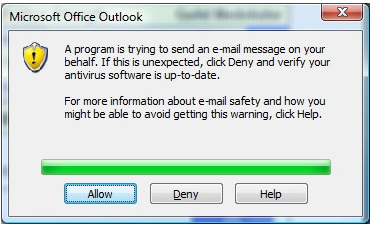
Related links
Email Reports in Fred Dispense Online Help