
Fred Dispense
Overview
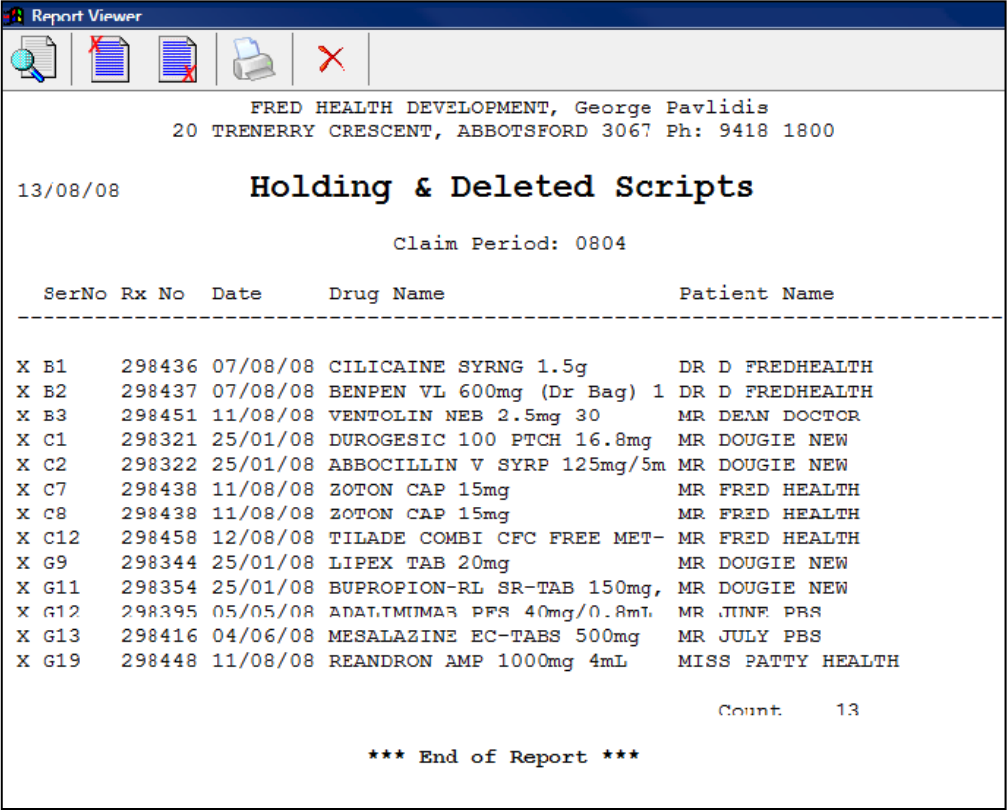
Use this report to account for scripts in your claim that are on hold.
Steps
- From the Activities menu, select Pharmpay Claim, then select Holding/Deleted Scripts Report.
The Holding & Deleted Scripts Report window is displayed.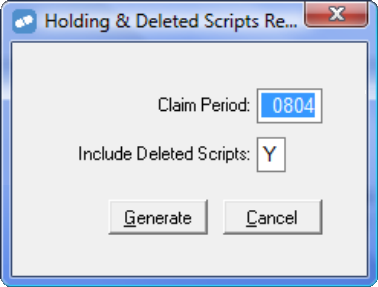
- The Claim Period defaults to the current period. You can enter a previous claim period if required.
- In the Include Deleted Scripts text box, type Y to include deleted scripts in the report, or N to include only held scripts.
- Click Generate, or press Enter or G to generate the report.
Related links
Holding and Deleted Scripts Report on Fred Dispense Online Help